
Guided challenge
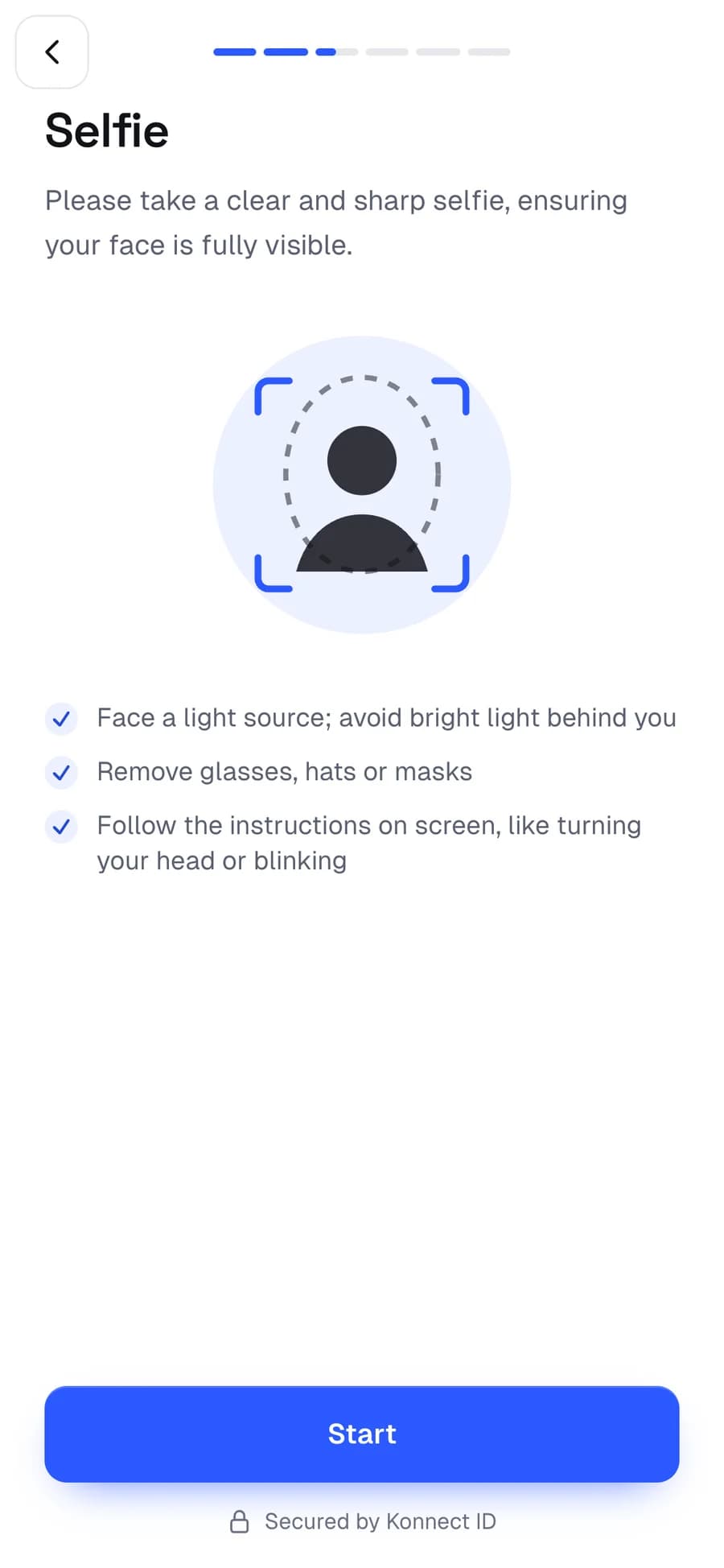
Clear on-screen prompts with live feedback, so customers finish on the first try.
Liveness & face match
A guided challenge, turning the head, blinking or smiling on cue, proves a real person is in front of the camera. The selfie is then compared with the photo on the document.
What it does
Clear on-screen prompts with live feedback, so customers finish on the first try.
Blur, lighting and framing are checked before the selfie is accepted.
The live selfie is compared with the document photo against a threshold you set per flow.
Runs in the browser, with no app to install.
FAQ
The customer follows short on-screen prompts, such as turning the head, blinking or smiling. The flow checks the responses happen live, then compares the selfie with the document photo.
Yes, per flow. A stricter threshold for account opening and a softer one for a low-limit wallet is a common setup.
It runs in the browser with the front camera and gives live feedback on light and framing, so customers finish on ordinary phones.
Use cases
The platform